

Can you actually tell what your team is working on right now? If you manage a hybrid team, the honest answer is probably "not really."
Well, this is just life with a hybrid team now.
Owl Labs' 2025 data shows 28% of the workforce is hybrid today, versus 9% fully remote and 63% still in-office. Managing people you can't see has become the new normal.
But the hard reality is it isn't always easy to manage a hybrid team. It's harder to know how work is moving, where time is being spent, and when someone needs support.
That's why many businesses use remote employee monitoring software.
Usually, the right software does more than track hours. It helps managers spot workflow issues and keep projects on track, without making employees feel watched.
So, how do you find the right fit?
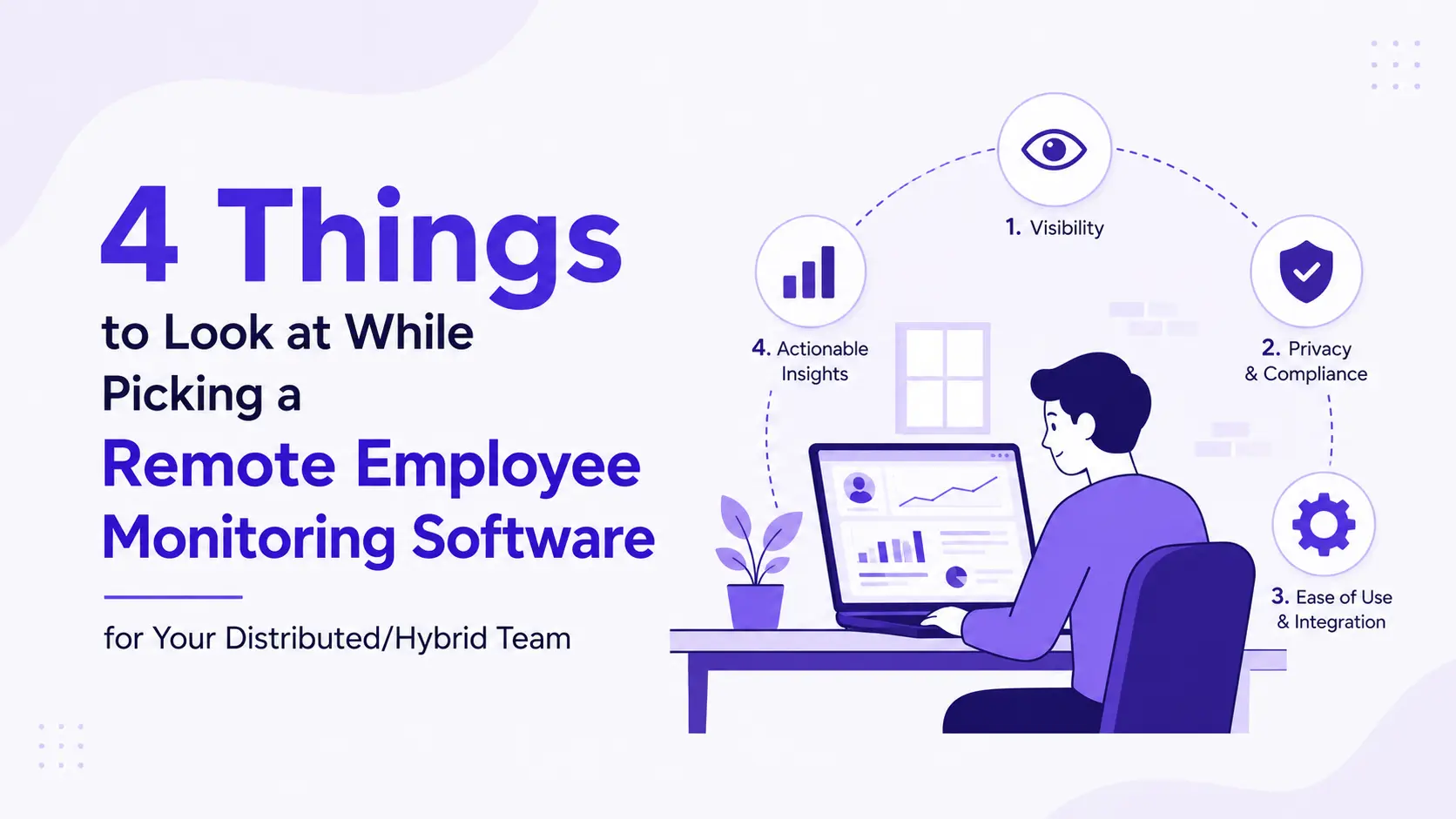
Below, I am going to focus on 4 things you should look for before choosing a remote employee monitoring software for your distributed or hybrid team.
How to Choose the Right Employee Monitoring Software for Your Hybrid Team (4 Key Factors)
It's 2 PM. Half your team is online, half isn't, and you genuinely don't know who's heads-down working and who's stuck. Sound familiar?
That's where good monitoring software helps. Here are four things worth checking before you pick one.
Fact 1: Pick Software That Builds Trust
Actually, the best monitoring software helps your team work better. It shouldn't make employees feel like they're under constant surveillance.
So, before choosing a tool, check what it actually tracks.
- Can you customize the settings?
- Can employees see what data is collected?
- Does the software clearly explain how it stores and uses data?
These questions matter because trust is just as important as productivity.
Example: Many companies only need time tracking, app usage, and productivity reports. They don't need to monitor every click or collect unnecessary data. A flexible tool lets you choose the features that match your team's needs.
However, it's also important to be open with your employees.
So, let them know why you're using the software and how the data will be used. When people understand the purpose, they're much more likely to accept it.
In short, choose software that supports accountability without sacrificing trust.
Fact 2: Choose Features You'll Actually Use
Monitoring tools love to pile on features. But more features don't mean more value. They just mean more to pay for and more to manage.
That’s why, start by asking what problem you're solving. Then match the feature to that problem. For example, Apploye combines time tracking, activity monitoring, screenshots, and productivity reports, allowing businesses to choose the features that fit their team’s needs.
You don't need every row in that table. If deadlines keep slipping, focus on productivity reports. If billing accuracy is the issue, focus on time tracking. Simple as that.
Please note that, skip the tool with the longest feature list. Pick the one that solves your actual problem.
Fact 3: Make Sure It Fits Into Your Existing Workflow
Normally, the best software works with the tools your team already uses.
If your employees switch between project management apps, communication tools, payroll software, and time trackers every day, your monitoring software should connect with them.
Otherwise, you'll end up with extra manual work and scattered data.
So, before choosing a solution, check whether it integrates with tools your team already depends on.
For example, many businesses connect their monitoring software with:
- Project management tools
- Payroll systems
- Communication platforms
- Task management apps
- Accounting software
These integrations can save hours every week. Instead of moving data between different systems, everything stays connected and updates automatically.
Quick Tip: look for software with an API if your business has custom workflows. It gives you more flexibility as your company grows.
The easier the software fits into your daily work, the more likely your team will actually use it.
Fact 4: Finally, Think About Growth, Price, and Ease of Use
A tool built for 10 people might break down at 100 people. So think ahead.
Where will your team be in a year or two?
On pricing, monitoring software has gotten cheaper. Five years ago, full-featured tools cost $15 to $25 per user per month.
Today, many solid options start around $4 to $6 per user per month. That drop is one reason small business adoption jumped from 34% in 2022 to over 50% in 2026, according to industry tracking from Employee-Monitoring.net.
Still, watch for hidden costs. Some vendors charge extra for basic reports or integrations that should come standard.
Ease of use matters just as much. If your team needs an hour of training to understand a dashboard, that's a bad sign. A good tool should feel simple on day one.
Plus, look for:
- A clean, uncluttered interface
- Mobile access for managers
- Fast, responsive customer support
That last point matters more than people think. If your team spans multiple time zones, slow support becomes a real bottleneck.
Tools such as Apploye are designed to give managers useful workforce insights through a straightforward dashboard without making everyday monitoring unnecessarily complicated.
Don't Make These Mistakes When Choosing Monitoring Software
Many businesses rush into buying employee monitoring software and regret it later. Here are a few common mistakes to avoid.
- Choosing the cheapest option: Free employee monitoring software can be useful for testing basic features or managing a very small team, but it may come with limits on reporting, integrations, data storage, or the number of users. Compare the limitations carefully before committing to a free plan.
- Ignoring employee experience: If the software feels invasive or difficult to use, employees may push back. A tool that supports transparency is usually a better long-term choice.
- Not checking integrations: If the software doesn't work with your existing tools, you'll spend more time moving data manually.
- Paying for features you don't need: Don't choose a platform just because it has a long list of features. Focus on what your business will actually use.
Quick Checklist Before You Buy
Before making your decision, ask yourself these questions:
- Does the software respect employee privacy?
- Does it provide useful productivity insights?
- Does it integrate with our existing tools?
- Is it easy for managers and employees to use?
- Can it grow with our business?
- Does it offer reports that help us make better decisions?
So, if you answered "yes" to most of these questions, you're probably looking at the right solution.
Last Note
The right monitoring tool doesn't just track work. It supports it.
Look for one that respects privacy, solves a real problem, fits your existing tools, and grows with your team. Skip anything that fails on the first point. Privacy issues tend to poison everything else, no matter how good the features look.
Before committing, run a small trial. Test it with a few employees first. Ask them how it feels, not just whether it works.
Trust is easy to lose and hard to win back. Choose a tool that helps you keep it.
People Also Ask

What is remote employee monitoring software?
Remote employee monitoring software helps businesses understand how remote employees spend their work time. It can track hours, app usage, productivity, and project activity while giving managers better visibility into remote work.
Is employee monitoring software legal?
In many countries, yes. However, employers should follow local privacy laws and clearly inform employees about what data is being collected and why.
Does employee monitoring software reduce productivity?
Not when it's used the right way. Software that focuses on transparency and productivity insights can help teams improve their workflows without creating unnecessary pressure.
What features should I look for in employee monitoring software?
Look for time tracking, productivity reports, app and website usage, integrations with your existing tools, customizable settings, and detailed reporting.
Is remote employee monitoring software suitable for small businesses?
Yes. Many tools offer flexible plans that work well for startups and small teams. As your business grows, you can upgrade to more advanced features without changing platforms.


.webp)
.webp)
.webp)

.webp)
.webp)



