

A logistics company came to us six months into a cloud migration that had already slipped twice. The cloud migration software they picked handled the rehost fine, but nobody had planned for compliance requirements across regions, and by the time they called us, the project was bleeding budget with no real cloud migration strategy behind it.
That gap is common. Only 10% of cloud migration projects hit their full projected ROI, per McKinsey, and the tool picked in week one is usually part of the story. Across 150+ client engagements, we have watched engineering leads shortlist two or three of the best cloud migration tools and pick the friendliest sales deck. This guide covers 10 tools worth evaluating in 2026, and how to match one to your migration projects.
What Is Cloud Migration
Cloud migration is the process of moving applications, data, and workloads from on-premises infrastructure, or another cloud, into a target cloud environment, whether via provider-native platforms or dedicated on-prem to cloud migration tools. Migration to cloud computing has matured well beyond lift and shift.
Three types of cloud migration dominate: rehost (lift and shift migration), replatform (optimisation for cloud-native features), and refactor (rebuilding around cloud-native architectures). Pick the pattern before the tool, not the other way round.
What a Cloud Migration Tool Actually Does
A real cloud migration tool covers four jobs:
- Application discovery and a dependency map, using proper discovery tools for cloud migration.
- Data replication or transfer.
- Cutover validation.
- Real-time monitoring after go-live.
AI-driven discovery mechanics are the biggest shift into 2026. Automated discovery has cut dependency mapping from weeks to days, standard across most cloud migration assessment tools.
.webp)
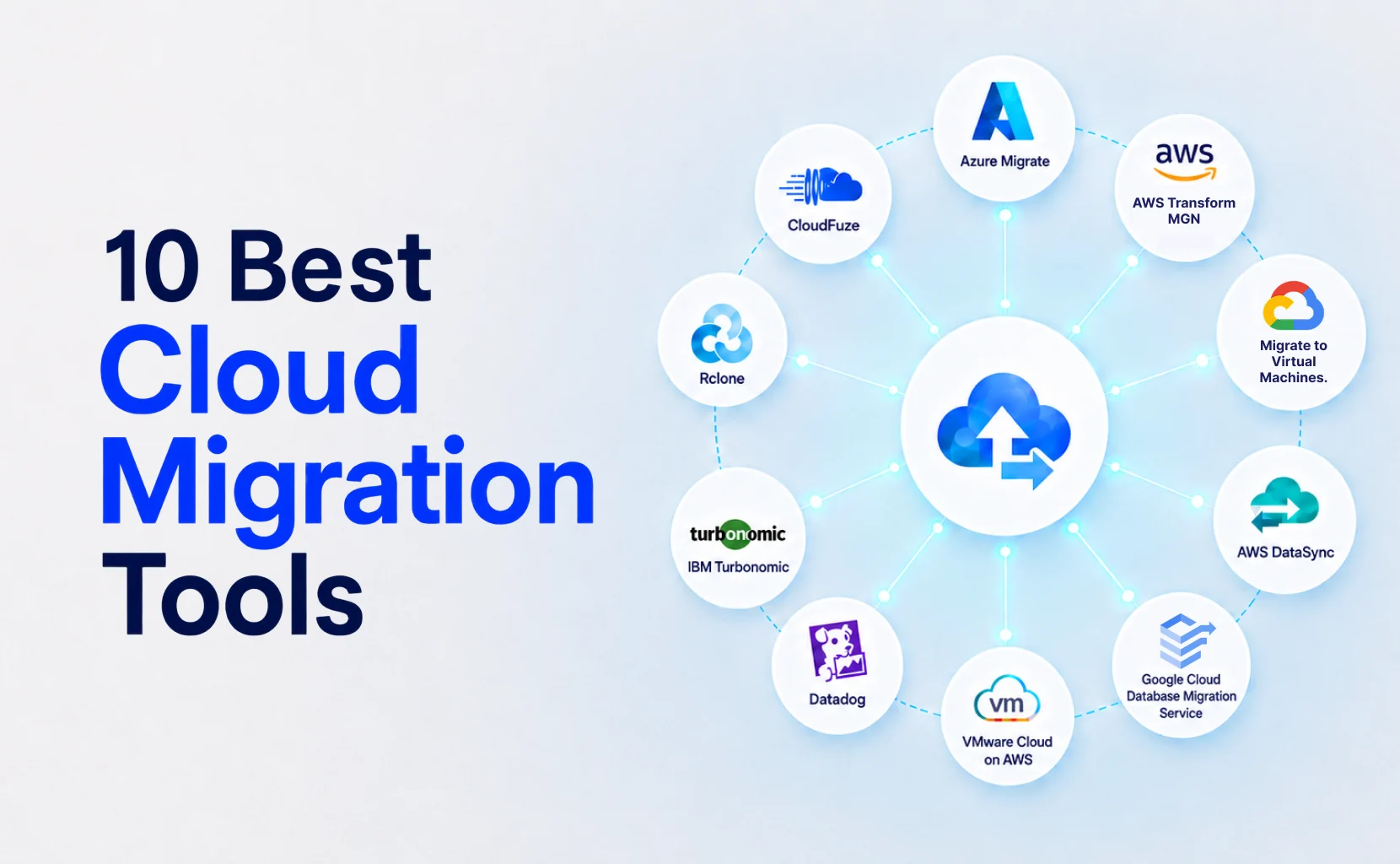
The 10 Best Cloud Migration Tools in 2026
This list covers cloud application migration tools still active in 2026. Several older names, CloudEndure Migration and Carbonite Migrate, have folded into newer services.
1. Azure Migrate
Azure Migrate is Microsoft's native entry point for an Azure cloud migration, built for teams already running Windows Server, SQL Server, and other Microsoft-stacked legacy applications. It handles assessment agentlessly, keeping the discovery phase fast even across large environments.
- Agentless inventory scanning across the full environment.
- Automated TCO reporting to build the cost case early.
- One dashboard for tracking every workload through cutover.
Free to start, but purpose-built for Azure Cloud Solutions, which creates vendor lock-in if the destination is not settled.
2. AWS Transform MGN
MGN is AWS's current recommended migration tool, and the details of most 2026 roundups still get wrong: it replaced CloudEndure Migration outright. MGN runs continuous data replication at the block level into Amazon EC2, so cutover testing happens without disrupting the live system.
- Automated machine conversion during replication, no manual rebuild
- Non-disruptive cutover testing before the final switch
- Pairs with AWS Migration Hub for one view across every workload
For smaller VM Migration batches, AWS Server Migration Service is a lighter alternative, together forming a solid set of AWS cloud migration tools.
3. Migrate to Virtual Machines
One of the stronger Google Cloud Migration Tools on the market, this is built for teams moving virtual machines from on-premises, AWS, or Azure into Compute Engine. Replication and cutover are automated end-to-end.
- Automated VM replication with rollback support if cutover fails.
- Native integration with the wider Google Cloud project structure.
- Strong fit for teams unlocking BigQuery and Vertex AI afterward.
Teams already committed to a Google-first data strategy get the most value here, since migration and AI roadmap land on the same infrastructure.
4. AWS DataSync
DataSync is narrower than the platform-level tools above, built specifically for fast, pay-as-you-go data transfer rather than full workload migration. It moves data from on-premises systems or other cloud providers into Amazon S3, EFS, or FSx.
- Scheduled or on-demand transfer jobs, no persistent agent required.
- Built-in bandwidth throttling for shared network capacity.
- Hard to beat on Cloud Storage cost for pure data movement.
It is a good example of server migration software built for data, not servers, so pair it with a platform tool if the computer is moving too.
5. Google Cloud Database Migration Service
Google Cloud Database Migration Service is built for database workloads, handling near-zero-downtime, schema-aware migration for MySQL, PostgreSQL, and SQL Server into managed databases like Cloud SQL. Schema conversions and the database schema are preserved automatically.
- Continuous replication until the final cutover moment.
- Native schema conversion, no manual DDL rewriting.
- Pairs well with ETL tools for data warehouses needing ongoing sync.
AWS runs a comparable AWS Database Migration Service for teams in the AWS ecosystem, so the choice usually comes down to destination.
6. VMware Cloud on AWS
VMware Cloud on AWS supports live, large-scale HCX vMotion migration for VMware-heavy environments, extending on-premises infrastructure into AWS with almost no application rehosting work. Existing virtual machines move largely as-is.
- Live migration with minimal downtime during cutover.
- Almost no re-architecture needed for VMware-native workloads.
- Fits a hybrid cloud setup during a phased transition.
Pair it with a Hybrid Interconnect connection back to on-prem systems while migrating, so both environments can run side by side until cutover.
7. Datadog
Datadog takes an observability-first approach rather than handling the actual data movement. It builds a dependency map before migration starts, then validates every workload against historical baselines through real-time monitoring once cutover is complete, flagging drift long before it becomes a bigger problem.
- Pre-migration dependency mapping across the full application stack.
- Real-time monitoring against baseline performance after go-live.
- Alerts on regressions before they reach customers.
A logistics client caught a latency regression within hours of cutover, well before it became a customer-facing issue.
8. IBM Turbonomic
IBM Turbonomic applies AI-driven cost optimization and workload modelling to hybrid, regulated environments, expressing output in financial terms rather than raw infrastructure metrics. It runs continuously rather than as a one-off audit before migration.
- Continuous workload placement recommendations, not a one-time assessment.
- Dollar-based reporting finance teams can act on directly.
- Built for regulated industries with strict compliance requirements.
That framing matters more than it sounds: getting budget approval is far easier with a dollar figure than a utilisation graph nobody outside engineering reads.
9. Rclone
Rclone is the open-source, MIT-licensed command-line standard for scriptable, automatable transfers across more than 70 storage backends. Most enterprise roundups skip it entirely because it has no sales team behind it.
- Scriptable, cron-friendly transfers across 70+ backends.
- Free to run, with an active open-source community.
- Close to an industry standard for developer-led cloud migration automation tools.
For teams that would rather write a script than fill out a vendor form, it remains the default choice, and it costs nothing to test before committing at scale.
10. CloudFuze
CloudFuze focuses on enterprise SaaS migration rather than servers, covering platforms like Google Workspace, Microsoft 365, Slack, and Teams. Permission and metadata preservation are built in, so folder structures and access controls survive the move intact rather than needing to be rebuilt after cutover.
- Direct, tenant-to-tenant migration for major collaboration platforms.
- Automated permission and metadata mapping during transfer.
- No intermediate storage step required for most SaaS-to-SaaS moves.
If the migration is less about infrastructure and more about moving collaboration tools without breaking access controls, this is the category it fits.
Cloud Migration Tools Compared: 2026 Feature Matrix
Check each of these cloud migration products against your Security Controls and management tool requirements before comparing price.
Which one fits your team?
- Locked into one cloud, moving fast? Use the native tool.
- Multi-cloud, or still deciding? Use an observability- or automation-first tool.
- Lean team, tight deadline? Bring in a migration expert.
How to Choose the Right Cloud Migration Tool
Run the decision through three filters before comparing features.
- Destination: locked into one cloud, or still comparing cloud providers? Locked-in favours the native tool; undecided favours a cloud-agnostic option.
- Risk and business criticality: mission-critical systems need continuous replication and validated cutover, not a batch job running overnight.
- Internal capacity: dedicated migration expert on staff, or a team already running daily operations? Lean teams running projects on top of existing workload are the most common reason timelines slip.
Ownership and planning, not the tool, decide whether a cloud migration strategy hits its projected value. Skipping the pre-migration assessment to save a week upfront is the single most common reason projects overrun their budget and timeline months later.
How BuildNexTech Helps You Execute Cloud Migration Without the Guesswork
A mid-market retail platform came to us with three stalled migration projects. The tools were never the problem; nobody owned them.
BuildNexTech runs end-to-end cloud migration services across AWS, GCP, and Azure, backed by AI-driven assessment tools and Intelligent Automation, whether that means AWS cloud migration services or a Google or Azure-native path.
Past engagements have cut infrastructure costs by roughly 35% and deployment speed by over 40%. An Autonomous AI Agents system built for a US digital bank cut manual underwriting workload by 65%, the same AI Strategy and AI Governance approach behind every migration we scope.
What a BuildNexTech Engagement Looks Like
The engagement runs in four phases, exactly what cloud application migration services should look like when built around your architecture:
- Days 1 to 5: Discovery and dependency mapping, including a TCO baseline.
- Week 2: Migration pattern selection across the application portfolio.
- Weeks 3 to 4: Phased execution and cutover.
- Week 5 onward: Post-migration monitoring, cost optimization, and Asset Management checks.
Clients walk away with a documented architecture, a validated cost baseline, and a runbook for the next wave.
Who This Is For
This fits mid-market to enterprise teams running legacy infrastructure that has become a bottleneck: a slipped migration, a multi-cloud consolidation, or infrastructure needing to be AI-ready within two quarters.
.webp)
Conclusion
Provider-native tools win on speed and cost once you have committed to a destination, while cloud-agnostic and AI-driven platforms win when multi-cloud visibility matters more than setup speed. Any list ranking the best cloud migration tools without checking destination, risk, and capacity first is a popularity contest.
The tools here are current for 2026, but the gap that decides your ROI sits earlier, in the planning decisions made before any cloud migration service gets installed.
People Also Ask

Is a cloud-to-cloud migration handled differently from an on-premises move?
Yes. Cloud-to-cloud migration tools focus on API-level transfer and format compatibility between providers, while on-prem moves need agent-based discovery and network throughput planning done in advance.
Are there dedicated cloud data migration tools separate from full workload migration tools?
Yes. Workload tools move entire applications and servers, while dedicated cloud data migration tools focus narrowly on databases, files, and storage, often running noticeably faster.
How long does an enterprise cloud migration typically take from planning to cutover?
Most enterprise projects run three to nine months depending on scope. A single application rehost can close in weeks; a multi-cloud consolidation often stretches past six months.
What team roles are typically involved in running a cloud migration project?
A typical project needs a migration expert, a cloud architect, application owners per workload, a security reviewer, and a project manager coordinating every cutover wave.
Is there one tool that covers an entire cloud migration tools list, or do teams combine several?
Most enterprise projects combine several tools rather than relying on one, typically pairing a provider-native tool for replication with an observability tool for validation afterward.


.webp)
.webp)
.webp)

.webp)
.webp)



