

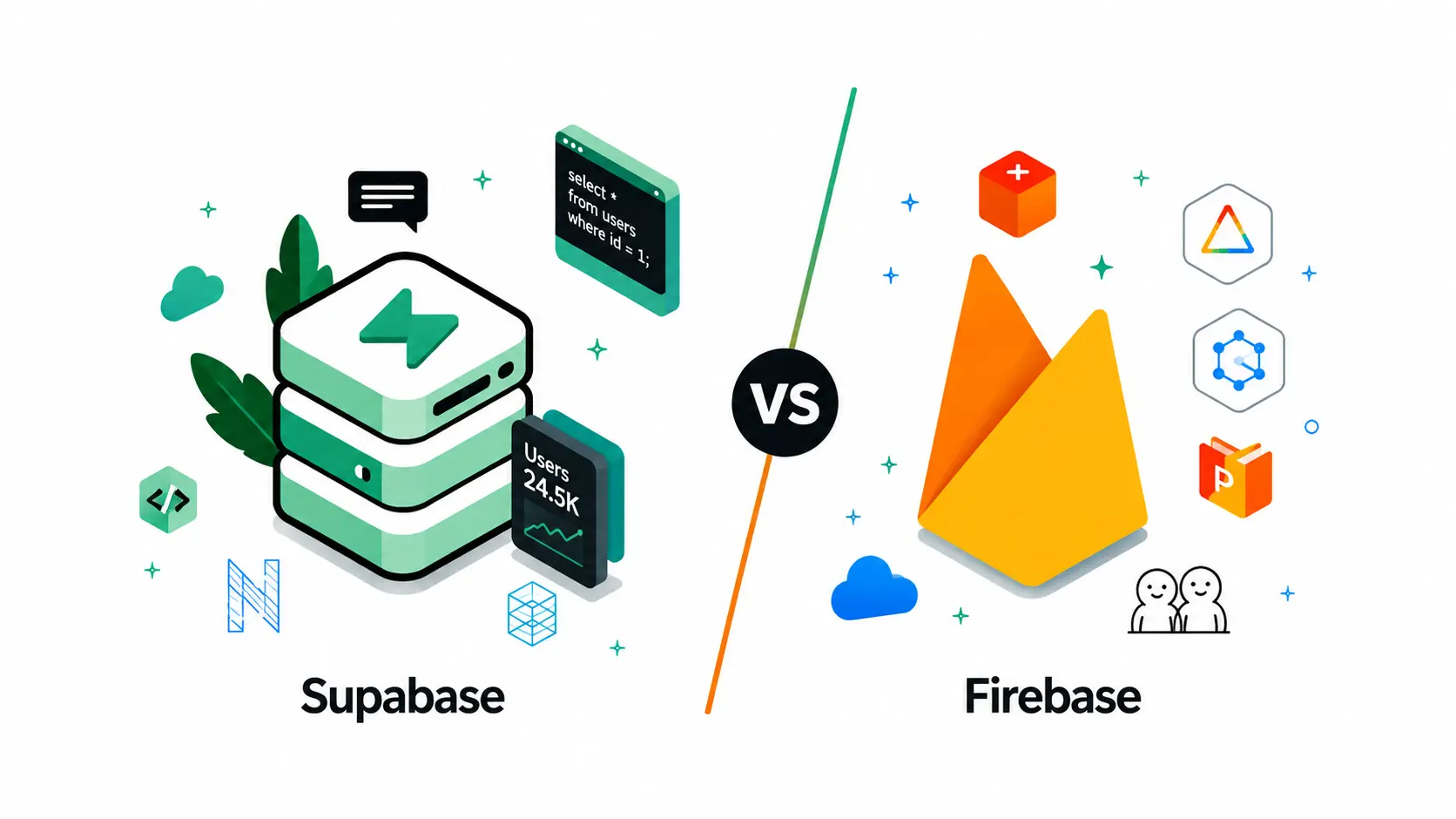
A company came to us six months into a Firebase build, watching its Firestore bill climb faster than its user base. Every dashboard pulled from three collections, and each pull quietly multiplied into dozens of billed document reads. That gap between what they queried and what they paid is why the Supabase vs Firebase question resurfaces in engineering standups, especially once a team asks what Supabase is.
Across 150+ client engagements spanning 30+ industries, we have watched teams pick their backend infrastructure in a sprint and live with it for years. Both are leading BaaS platforms, but the real pain shows up later: Whether the platform can support the AI feature the business now depends on.
What Is Supabase?
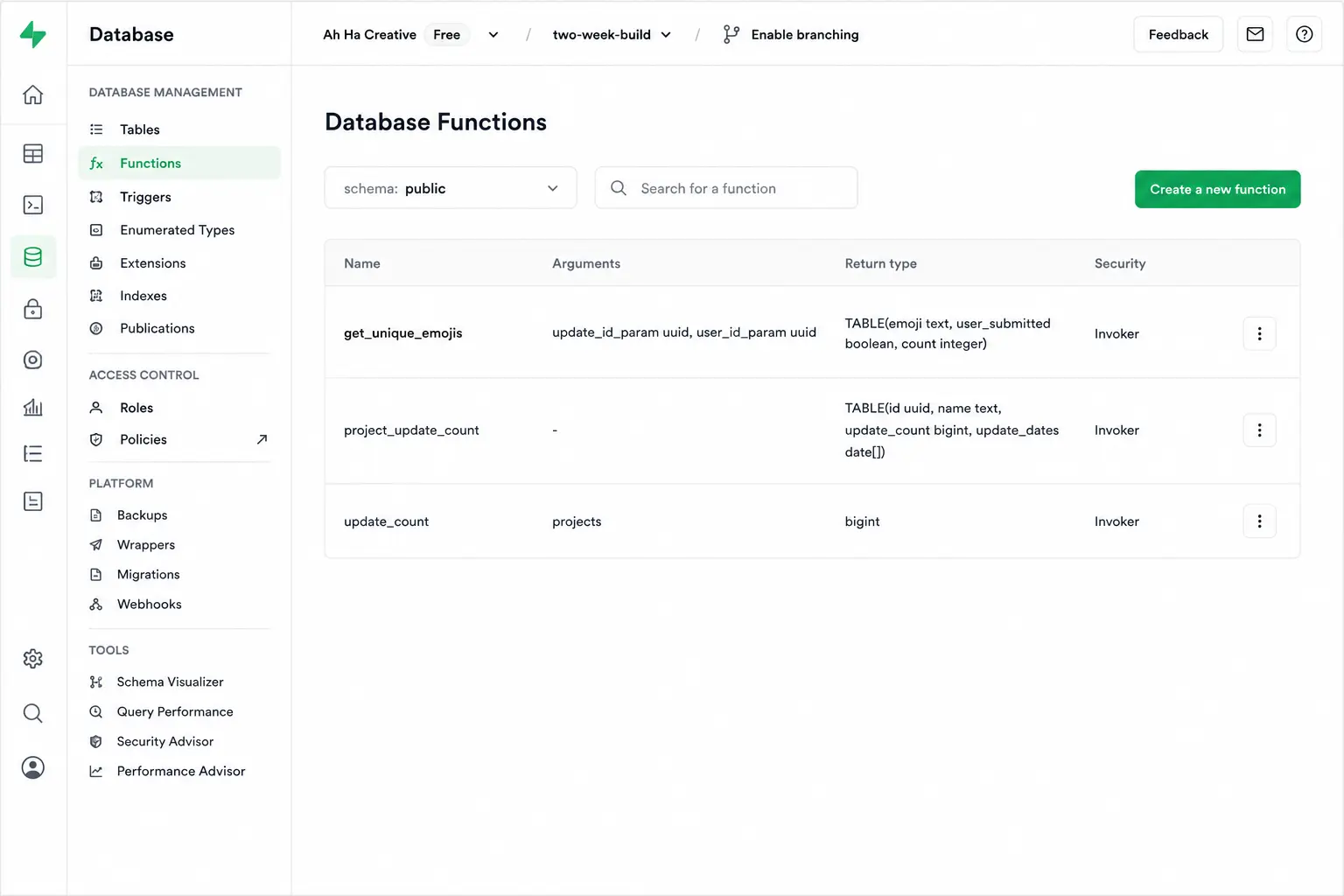
Supabase is an open-source backend built on a dedicated PostgreSQL instance per project, so every service reads from one database. That is the short answer to what Supabase is for most teams. The stack:
- Postgres databases with auto-generated REST APIs and Data APIs.
- Supabase Auth, Supabase Storage with a global CDN, and Edge Functions for serverless compute.
- Real-time subscriptions, a SQL playground, auto-generated TypeScript types, and database branching.
What Is Firebase
Firebase is Google's managed backend-as-a-service, built aro
Every project self-hosts through Docker via the Supabase CLI, so a team can walk away with a pg_dump at any time. Being just Postgres, teams can run postgres create database commands directly, something Firestore never exposes.
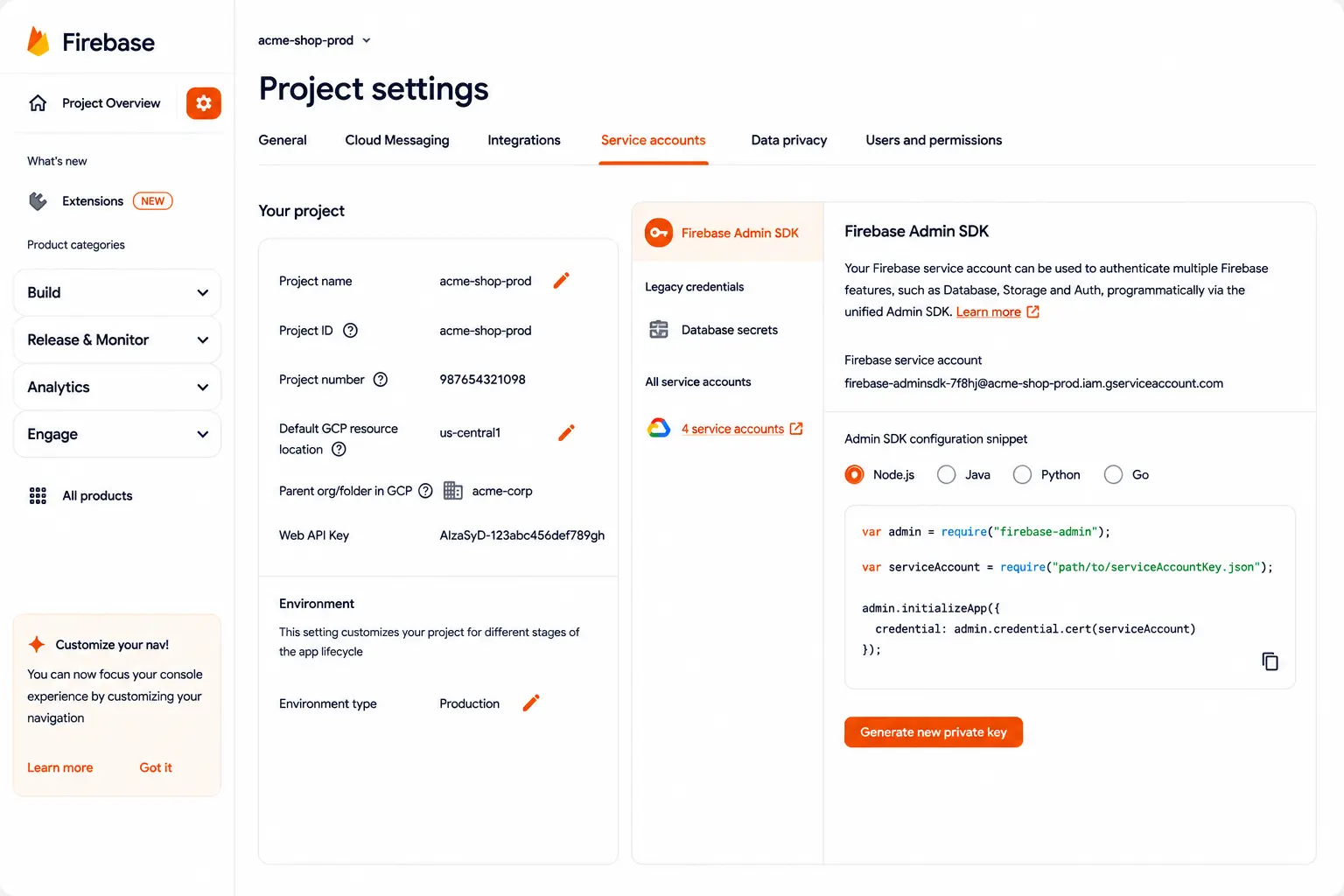
,und Cloud Firestore, one of the best-known NoSQL databases. There is no self-hosting option since everything runs on Google's infrastructure, and that shapes most of what Firebase discussions once a team scales. Its stack:
- Realtime Database, Firebase's original store, still used for simple sync needs.
- Firebase Authentication (Firebase Auth), Cloud Storage, Cloud Functions, and Firebase Cloud Messaging (Cloud Messaging) for push.
- Client libraries (the Firebase SDK) across web, iOS, Android, and React Native.
- Firebase Data Connect, a newer layer adding managed Postgres alongside the document model.
Teams researching a Firestore alternative usually hit this self-hosting wall first, especially once compliance or data residency requirements enter the conversation. That's often the moment Supabase enters the picture, since it swaps Google's managed infrastructure for a Postgres instance a team can run anywhere.
Feature-by-Feature Breakdown: Supabase vs Firebase
Four categories decide most backend picks: Data modelling, access security, realtime/AI performance, and cost. Each surfaces a different tradeoff worth walking through individually.
1. Database Architecture and Data Modelling
Firestore's schemaless documents are fast to prototype with, but relationship logic gets pushed into client code as apps grow. That surfaces when a report needs data from three collections at once.
Data model:
- Firestore: Schemaless, document-based; Firebase vs. Postgres becomes the real question once collections multiply.
- Supabase: Relational tables with foreign keys, joins, and ACID transactions, exposed through REST APIs and Data APIs, not custom API gateways.
- Firebase Data Connect narrows the gap, though schema modelling happens in .gql files, not SQL.
Query performance:
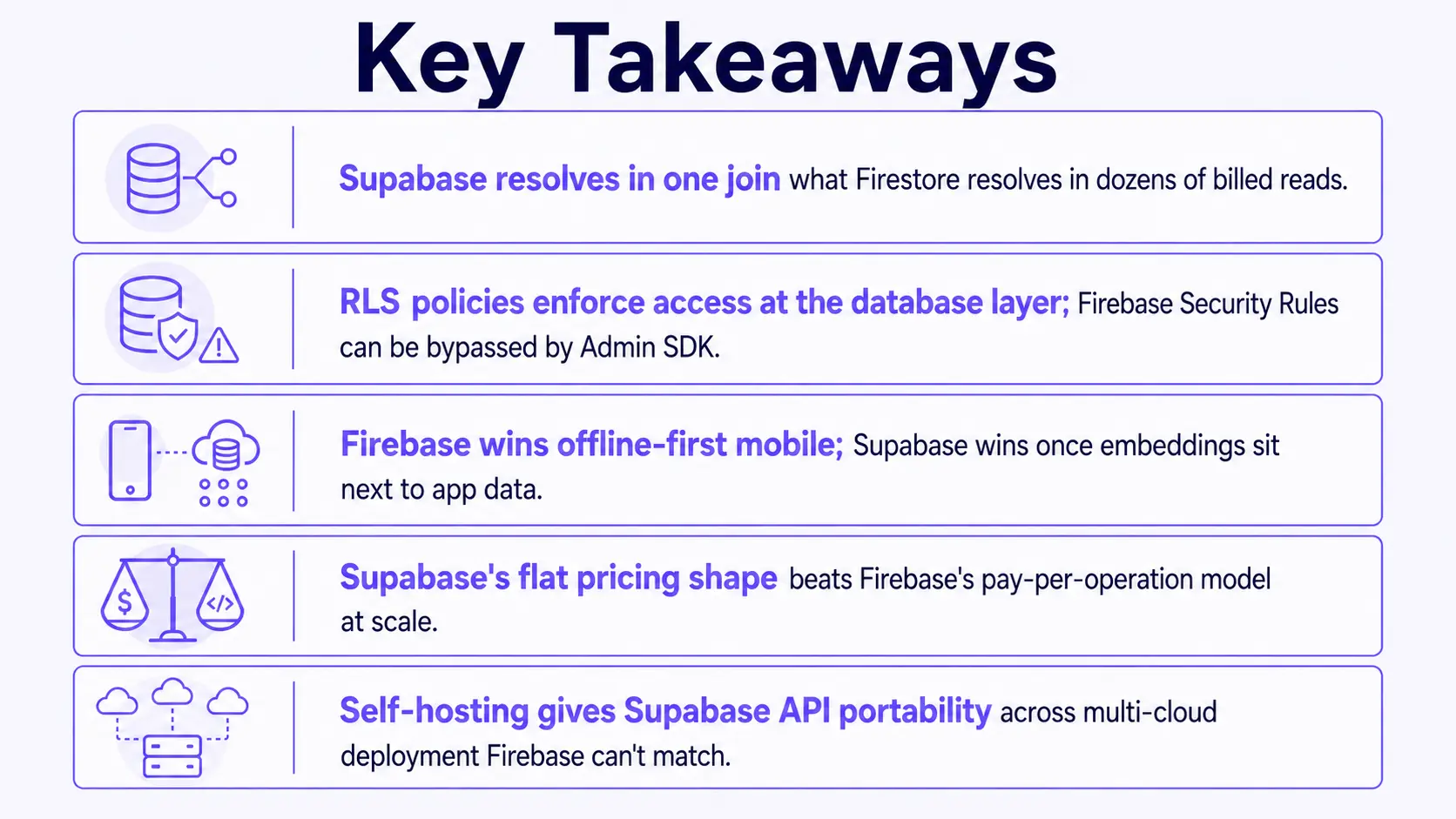
- A dashboard view spanning three Firestore collections can multiply into dozens of billed reads; Supabase resolves it with one SQL join.
- Shipping managed Postgres did not make the platforms interchangeable It moved the decision to who owns your data model.
2. Auth, Security, and Serverless Functions
Supabase Auth and Firebase Auth cover the basics at rough parity. The real difference is enforcement, which matters once more than one engineer touches the backend.
Authentication:
- Both support email/password, OAuth, phone auth, and multi-factor authentication.
- Supabase adds Single Sign-On and OpenID Connect for enterprise buyers.
- Supabase's RLS policies, its row-level security (Row-Level Security) model, live in SQL at the database level, the more granular auth solution. Firebase Security Rules apply per service and can be bypassed by Admin SDK calls.
Serverless functions:
- Supabase Edge Functions run on Deno with TypeScript, optimised for low latency.
- Firebase Cloud Functions support Node.js, Python, Go, Java, and .NET, a broader language surface.
3. Realtime Sync, Offline Support, and AI/ML Readiness
A logistics client came to us running a dispatch app on Firestore, chosen for offline-first drivers in warehouses with patchy signal. That worked until the team wanted an AI copilot with vector search over shipments.
Real-time sync options:
- Supabase Realtime, on Postgres logical replication, streams real-time data through real-time subscriptions, a strong fit for collaborative apps and multiplayer games.
- Cloud Firestore and the legacy Realtime Database handle real-time synchronization with mature offline caching, better for offline-heavy apps.
AI and vector readiness:
- Supabase's pgvector turns Postgres into a Postgres vector database, keeping vector embeddings in the same instance as app data, giving RAG capabilities and embeddings storage without a separate service, with models from Hugging Face or hosted AI services.
- Firebase AI Logic and Genkit give direct Gemini access without a custom backend, fast to prototype but leaving embeddings storage separate.
A vector database for RAG never sits outside Supabase's data layer, one reason teams researching a Postgres vector database land on Supabase first.
4. Pricing Models and Deployment Options
Supabase pricing and Firebase pricing follow different shapes. The Supabase vs Firebase pricing gap compounds the longer an app runs, so it's worth mapping out early.
Cost:
- Supabase free tier limits cover small projects; Pro is $25/month (price may vary), Team is $599/month (price may vary), with a 500MB storage (may vary) and 50,000 monthly active users (may vary) cap.
- Firebase runs Blaze, pay-per-operation on a free Spark tier, billed per API request batch.
- At 10,000 daily active users (may vary), typical costs run $50-100/month (price may vary) on Supabase and higher on Firebase at heavy volume. Prices vary by usage and region; check live pricing pages.
Deployment:
- Self-hosting adds multi-cloud deployment on your own Kubernetes infrastructure, SOC2 Type II compliance, and full API portability.
- Firebase is cloud-managed; only "too expensive to switch" gets the ROI backwards, since an unpredictable bill compounds quarterly while migration is one-time.
- Teams evaluating database migration services should note that moving Firestore to Postgres is schema-mapping, not a data copy.
Supabase vs Firebase: Side-by-Side Comparison
Choosing the Right Backend for Your Business
The right pick depends less on features and more on how your data is shaped and how much control you want over where it lives. Most teams already know the answer once it is laid out this way.
Choose Supabase if:
- You need structured, relational data with SQL and no vendor lock-in, since Postgres exports cleanly and self-hosting keeps you off any single vendor's roadmap.
- Your build looks like an e-commerce platform backend or admin panels, where RLS policies fit inventory and order logic naturally.
- Predictable, flat pricing matters more than a generous free tier, especially once traffic climbs past the point where pay-per-operation billing turns volatile.
Choose Firebase if:
- You need offline-heavy, mobile-first UX on a tight timeline, since Firestore's client SDKs handle caching and conflict resolution out of the box.
- You are building client portals or apps on React Native that lean on Firebase's document model, where nested data maps naturally to JSON.
- You are already deep in Google Cloud Functions and the rest of the Google ecosystem, and switching backends means re-plumbing more than just the database.
Fintech, healthcare, logistics, retail, and edtech teams hit this fork constantly; what differs is which side costs more to be wrong about.
Which one fits your team?
- Structured, relational data with SQL, no vendor lock-in? Choose Supabase.
- Offline-heavy, mobile UX on a tight timeline? Choose Firebase.
- Already deep in Google Cloud Functions? Stay on Firebase, layer Data Connect.
How BuildNexTech Helps You Ship AI Features Faster on Either Backend
Whichever backend a team picks, the harder problem shows up next: Orchestrating the AI agents on top of it. A digital bank we worked with had committed to Postgres for its ledger; the gap was routing underwriting decisions through models reliably. Agentic AI cut manual underwriting workload by 65%, without touching the chosen backend.
BuildNexTech's platform connects to either backend's data layer through existing client libraries and REST APIs, routes inference across models on cost, latency, and quality signals, and gives teams observability into every agent call.
What a BuildNexTech Implementation Looks Like
The rollout follows a predictable timeline:
- Discovery (Day 1-3): Map the data model, Postgres tables, or Firestore collections.
- Integration (Day 4-7): Connect via API connectors and CI/CD pipelines; first agent goes live.
- Tuning (Week 2+): Model routing tuned against usage, observability standing up.
Who This Is For
This fits engineering teams already on Supabase or Firebase needing AI or agent features without building orchestration from scratch, typically a RAG or copilot stuck in prototype. The same pattern held for a US logistics fleet: Predictive maintenance cut downtime 30-50%.
Conclusion
The Firebase vs Supabase decision comes down to how your data is shaped and how much control you want over the database underneath it. Supabase wins on relational structure, cost predictability, and AI readiness through pgvector; Firebase wins on mobile-first offline sync and Google ecosystem depth.
Neither platform solves the problem that shows up after the backend is chosen: Turning that data into agent workflows a business can actually run on. That gap is where most teams stall, and it is worth planning for before the roadmap forces the question.
People Also Ask

Can I use Supabase and Firebase together in the same app?
Some teams do, running Firebase for push notifications and offline sync while Supabase Postgres holds the core backend, though this adds two billing dashboards to manage.
Which platform has better local development tooling?
Firebase's Emulator Suite mirrors Firestore, Auth, and Functions locally. Supabase's CLI spins up a full Postgres stack via Docker, letting you test schema changes before production.
Does either platform support GraphQL out of the box?
Supabase auto-generates a GraphQL API via the pg_graphql extension alongside REST. Firebase has no native GraphQL layer, so teams usually add a third-party server like Apollo.
How do Supabase and Firebase compare for hosting frontend assets?
Firebase Hosting includes a built-in CDN and one-command deploys for frontend assets. Supabase has no equivalent, so teams typically pair it with Vercel or Netlify instead.
Which platform has a stronger third-party plugin and community ecosystem?
Firebase benefits from a decade-long head start and a larger mobile plugin ecosystem. Supabase's community is younger but growing fast, with momentum around Postgres extensions.


.webp)
.webp)
.webp)

.webp)
.webp)



